Landing Page Copy that ships itself
Feed Launching Owl your Launch Kit context and get localized hero, feature, and testimonial sections formatted for your dev team.

8
Sections per run
20+
Languages
<10s
Avg export
2 credits
Credits
Preview the on-brand workflow
These prompts, examples, and export ratios mirror the existing Launching Owl interface.
Structured output
Landing Page Copy Generator
Regenerate individual sections, then copy JSON/Markdown exports.
Key features
Everything teams loved in the original Launching Owl template.
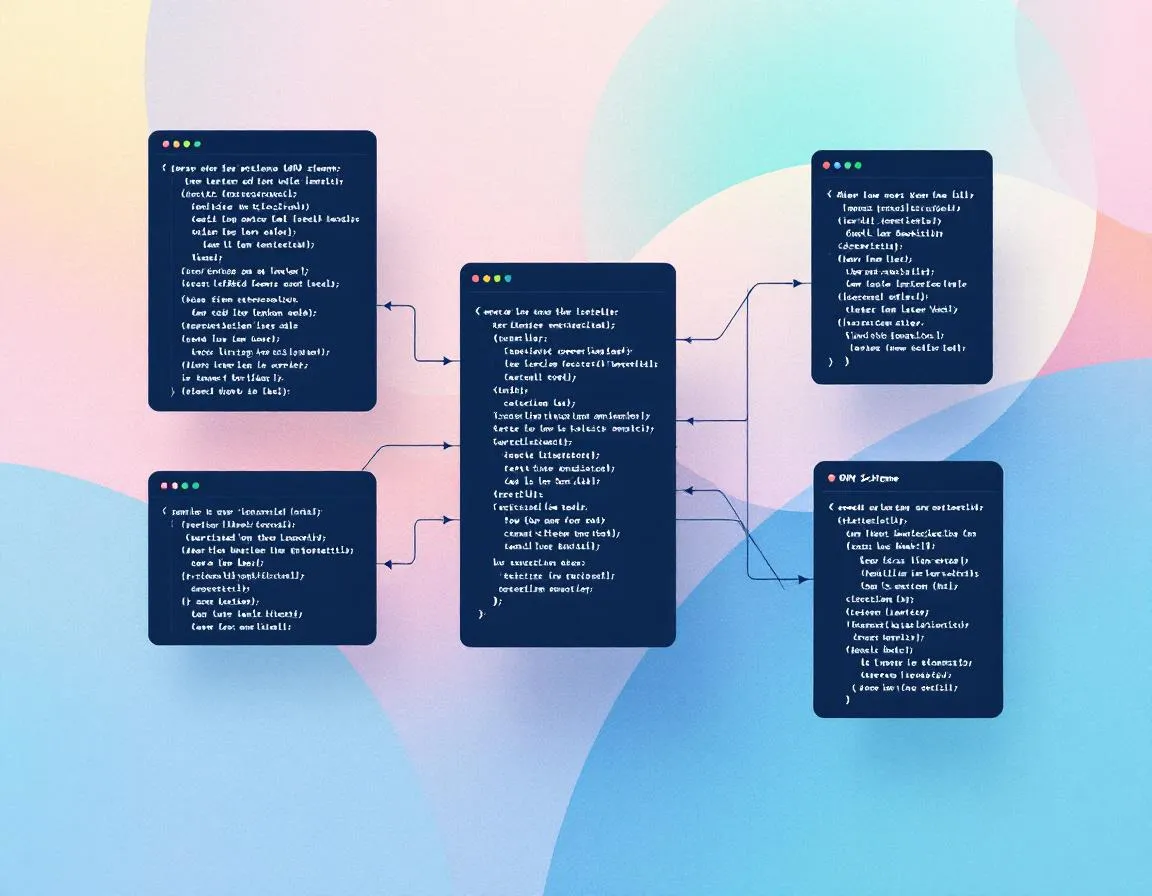
Structured output, zero cleanup
Every run returns a predictable schema (hero, features, testimonials, pricing, FAQ, CTA, SEO). Drop it straight into Next.js, Webflow, or your CMS.
Launch Kit aware
The shared system prompt textarea remembers per-kit positioning, differentiators, and proof so you never retype context.
Localization baked in
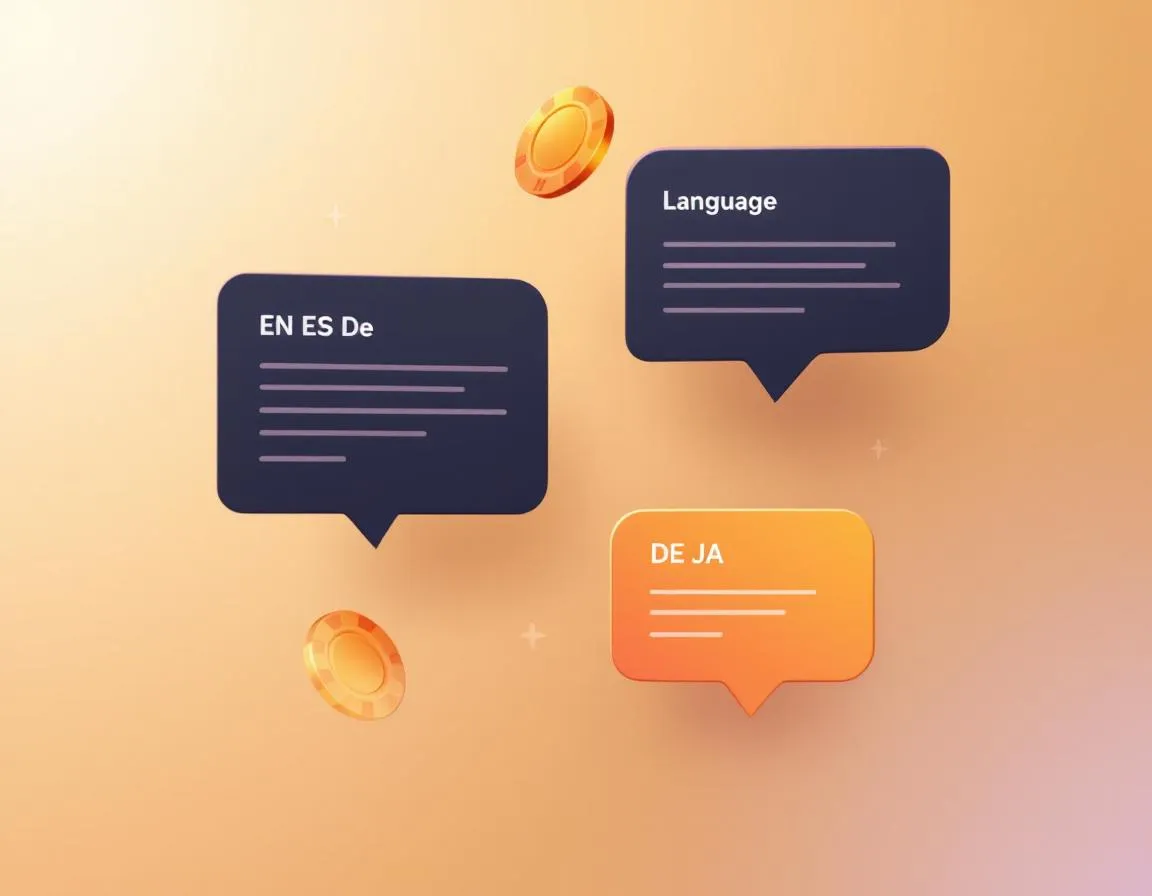
Select English, Spanish, German, Japanese, or plug in any ISO code to regenerate culturally accurate copy + CTA labels.
How it works
From idea to launch asset in three simple steps.
Import Launch Kit details
Pick a kit to auto-fill product context, audience, differentiators, and saved system prompt.
Select sections + language
Choose which blocks to generate, lock a tone, and decide if you need JSON, Markdown, or both.
Export and deploy
Copy the formatted JSON, push it to your repo, or export Markdown to Notion and CMS workflows.
Who relies on the Landing Page Copy Generator?
From solo devs to localization teams, this workbench replaces endless docs with a single structured export.
Founders shipping new MVPs
Generate a complete landing page the night before launch and keep everything on-brand.
Growth + lifecycle marketers
Spin up variant landing pages for paid experiments without waiting on agency timelines.
Localization teams
Output German, Spanish, or Japanese copy with localized punctuation, CTA verbs, and testimonial honorifics.
Agencies
Deliver structured copy decks that clients can approve or edit inside Launch Kits without extra tooling.
What customers say
“We rebuilt our SaaS landing page in one evening—JSON dropped straight into our Next.js components with zero editing.”
Devon Ortiz · Co-founder, Pulseframe
“Localization used to be a separate project. Now we clone the English run in German and Spanish, review in Notion, and publish the same day.”
Lina Harada · Head of Growth, NimboPay
Frequently asked questions
Can I customize the schema?
Yes. Toggle sections on/off or add custom blocks (e.g., long-form story, trust badges) and they return in the same JSON object.
Does it support multiple languages per run?
Run English first, then duplicate the generation with another language to keep sections in sync. Each language respects locale-specific punctuation and CTA patterns.
How do saved system prompts work?
Each Launch Kit stores one textarea per tool slug. Reset, edit, or save your landing copy prompt without affecting other kits.
What formats can I export?
Copy JSON, Markdown, or a generated Next.js metadata block. All exports include field labels so devs can paste directly into code.
Is there a history of past runs?
Yes. Every generation saves to My Assets + the selected Launch Kit so you can roll back or compare variants.
Related tools
Ship a complete landing page in one click
Connect a Launch Kit, pick your language, and export structured copy to dev-ready JSON or Markdown tonight.
Generate landing copy