AI Social Media Post Generator
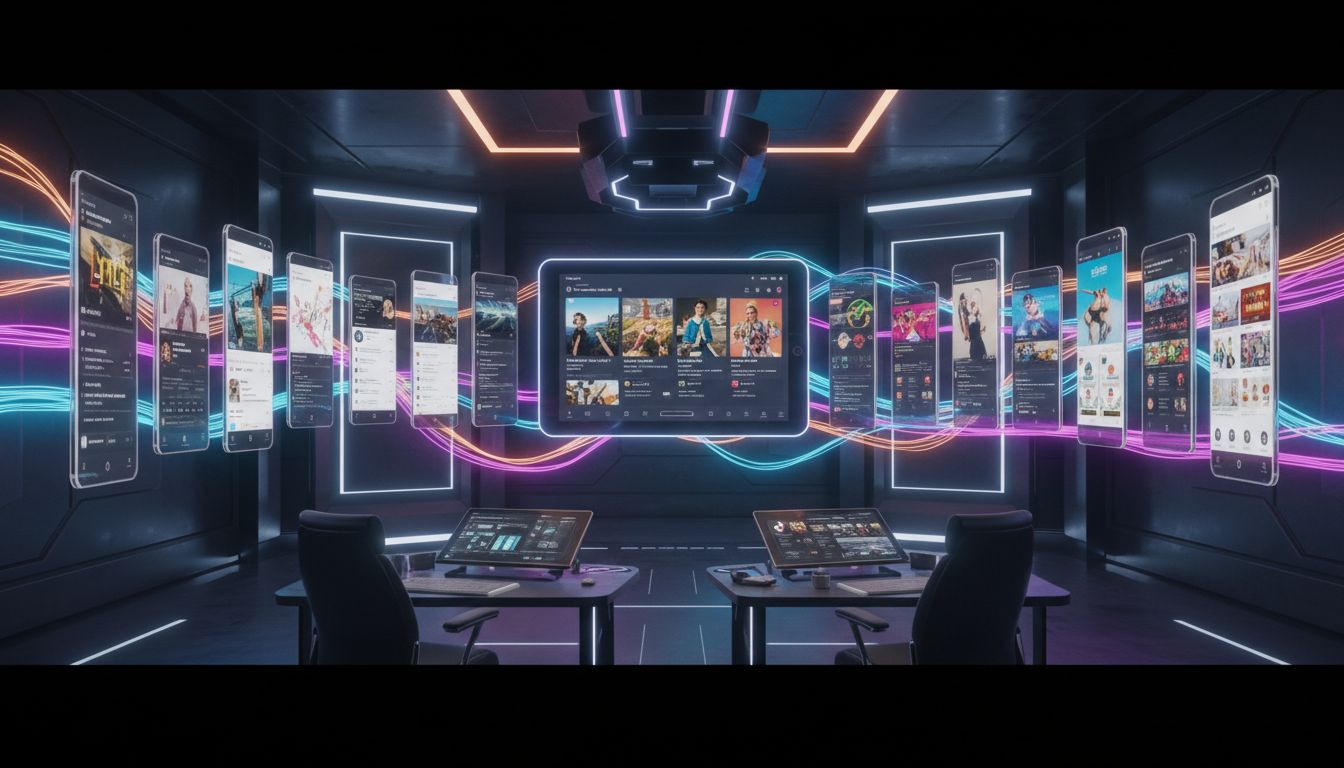
Feed Launching Owl a Launch Kit and instantly get a matching visual, caption, and hashtag stack for every platform you care about.
3,200+
Teams scheduling weekly
45 min
Average time saved
6
Supported platforms
4 credits
Credits per run
Preview the on-brand workflow
These prompts, examples, and export ratios mirror the existing Launching Owl interface.
Craft platform-specific copy and short overlay text before rendering visuals.
Grid + carousel ready visuals with lifestyle energy.
Preview and tweak captions on the right before moving to Step 2.
Approve caption overlay text, then render visuals tailored to each platform.
Workbench output
Social Media Post Generator
Review all captions and visuals before saving to Launch Kits.
Captions (1 slots)
Run Step 1 to generate captions, then refine copy or overlay text before rendering visuals.
Visuals (3 slots)
Key features
Everything teams loved in the original Launching Owl template.
Platform-native art direction
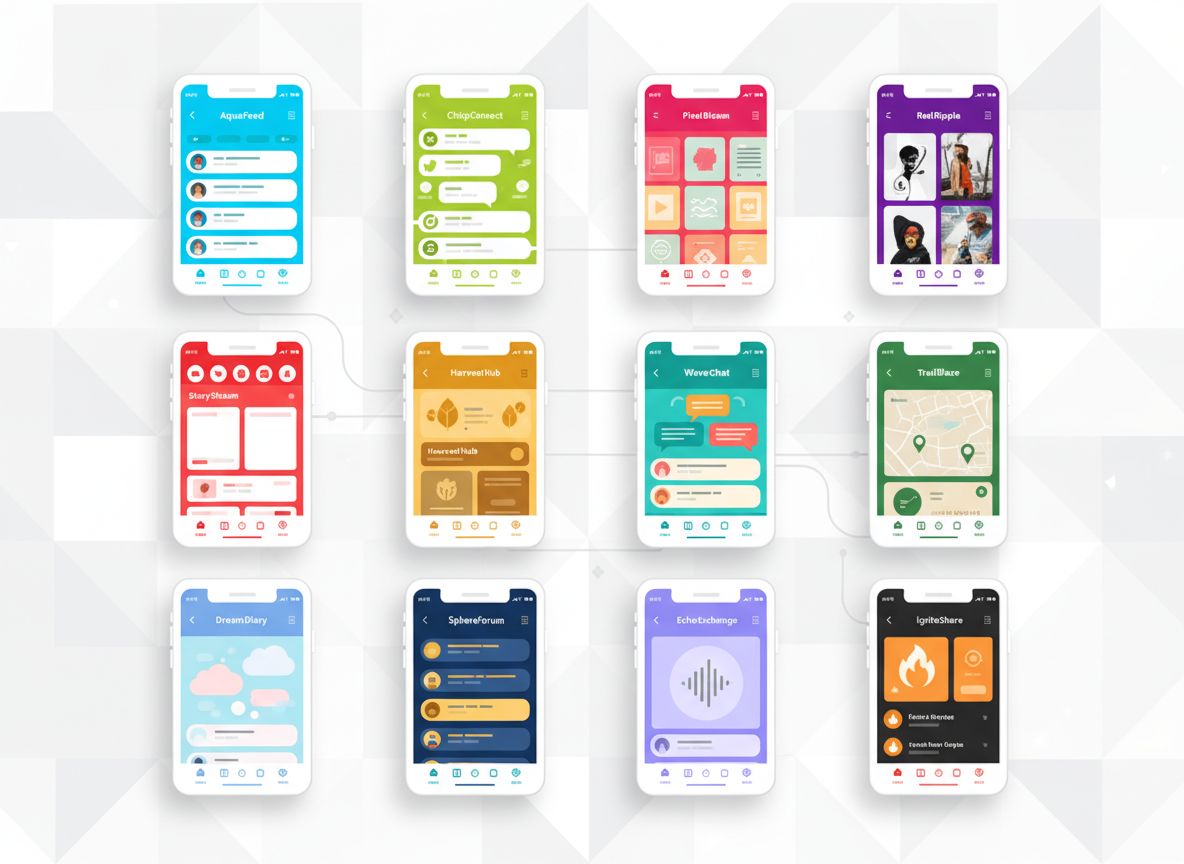
Toggle between Instagram, LinkedIn, TikTok, or Pinterest presets and the generator adapts copy length, CTA structure, and aspect ratio to match what the algorithm favors.
Launch Kit context auto-filled
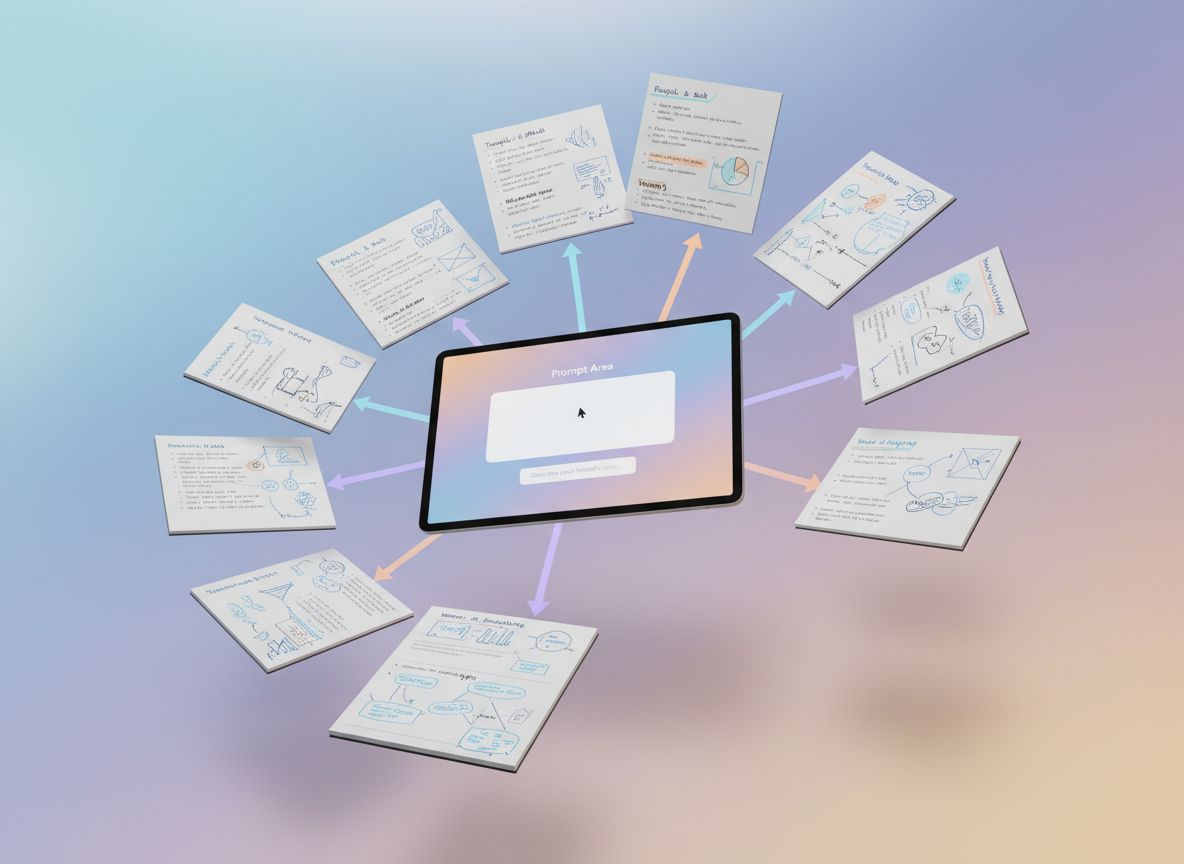
Pull product positioning, tone of voice, and current offers directly from your Launch Kit. The system prompt lives in a single textarea per kit so you can version strategies without retyping.
Complete post packages
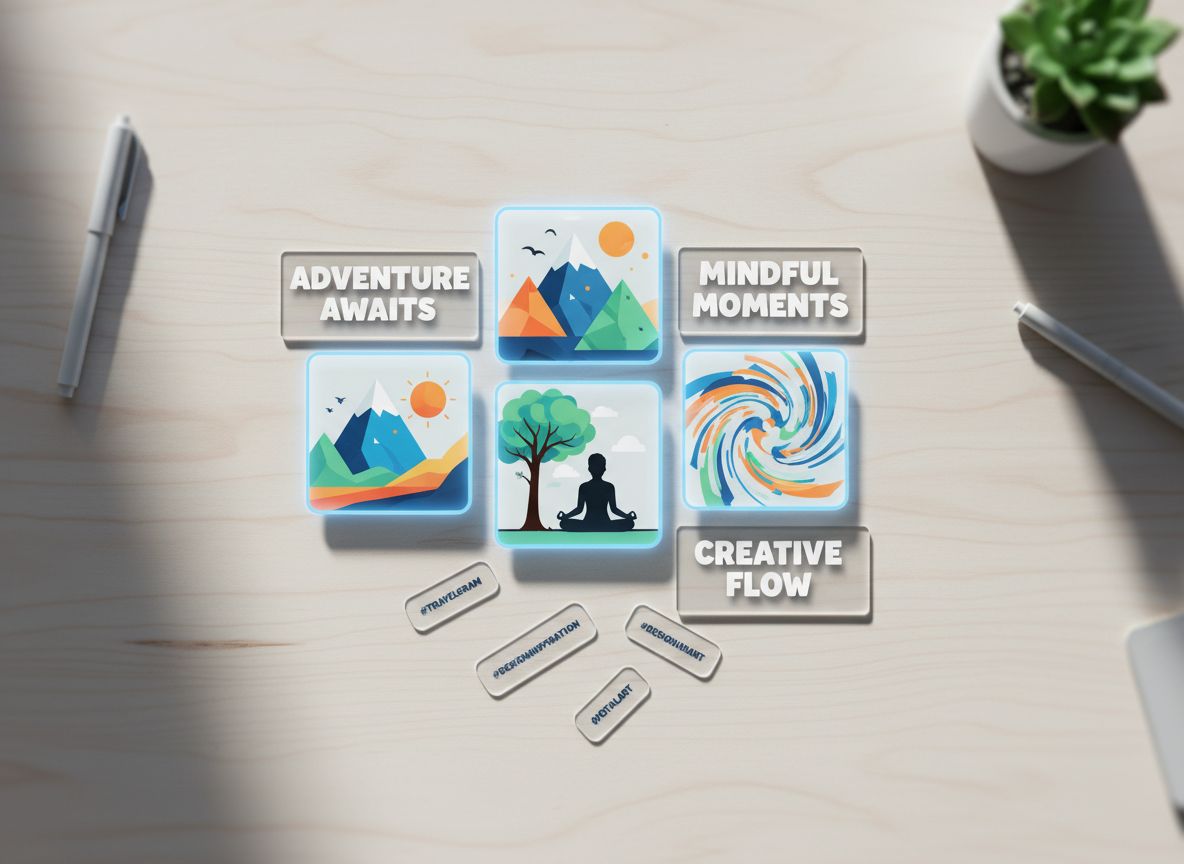
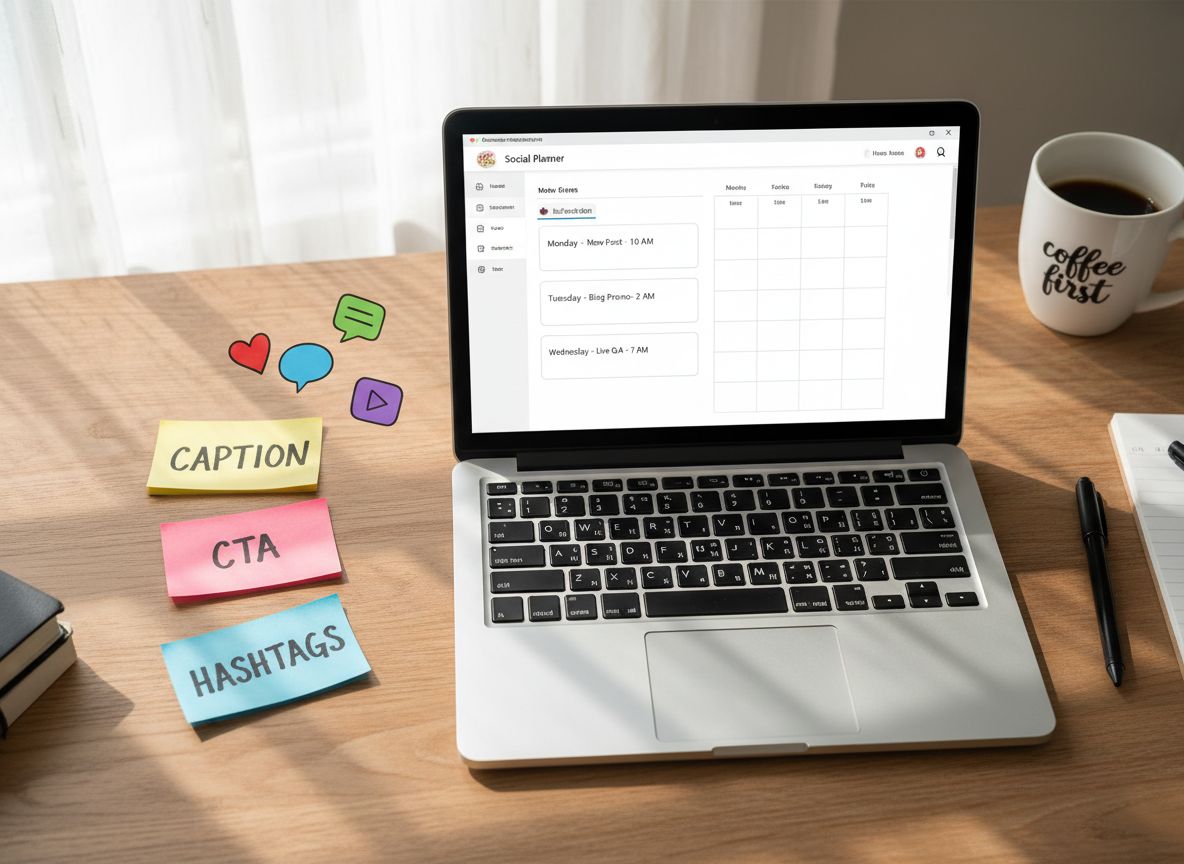
Every generation ships a hero visual, caption, hashtag stack, CTA buttons, and creative notes so growth teams can drop it into scheduling tools without extra editing.
How it works
From idea to launch asset in three simple steps.
Import your Launch Kit
Select a kit and auto-fill the context + default system prompt inside the unified textarea.
Choose platform + ratio
Pick the model + aspect ratios that platform supports and we sync preview dimensions automatically.
Generate and deploy
Get visuals, captions, and hashtags in one batch, then export the PNG/WebP and copy block straight into your social scheduler.
Campaigns powered by the Social Media Post Generator
From changelog threads to seasonal drops, these personas rely on Launching Owl to pair captions with on-brand visuals for every platform.
Growth marketers
Spin up a full campaign pack before a product drop and keep assets on-brand across channels.
SaaS founders
Nurture a community with weekly updates, feature walkthroughs, and founder POV posts without context switching.
DTC brands
Launch seasonal offers with lifestyle imagery, short-form scripts, and CTA-ready captions tailored to each platform.
Content agencies
Build client moodboards, copy, and alt-text simultaneously so edits happen in one workspace.
Indie creators
Keep an authentic voice while still posting daily thanks to kit-level system prompts saved per slug.
What customers say
“We replaced our weekly design-copy handoff with this generator and started shipping platform-native posts before lunch.”
Nate Ferreira · Head of Growth, Orbital
“Our agency can finally pitch full concepts with visuals and voice matched per persona—clients approve in Slack threads now.”
Priya Mandel · Creative Director, Driftlab
Frequently asked questions
Does each generation include full commercial rights?
Yes. Every image + caption pack is cleared for organic and paid social usage for your brand.
Can I edit the system prompt per kit?
Absolutely. The workbench stores one textarea per kit slug so you can reset or save prompts without impacting other kits.
Do you support multilingual captions?
Yes—switch language, tone, and emoji density in the prompt or kit context and the generator adapts instantly.
What aspect ratios are available?
Only the ratios supported by the selected model appear, and we mirror that in the preview + export dimensions.
How many credits does a post use?
A visual + caption pair consumes four credits. Add-on variants cost two credits each.
Related tools
Publish scroll-stopping posts tonight
Connect a Launch Kit, choose platforms, and let Launching Owl deliver complete post packs in minutes.
Generate social post